
Power BI & Excel Analytics
Power BI & Excel Analytics by EduNayan is a comprehensive IT Support & Tools program designed to take you from foundational concepts to advanced practical implementation. Through hands-on projects, real-world case studies, and structured guidance, you will master the key tools and methodologies required to succeed in this industry.
Certificate Included
Industry recognized completion certificate
Beginner
Structured learning path with guided delivery
Online
Flexible learning modes for working learners
3 Capstone Projects
Portfolio-ready hands-on builds
Expert Mentors
Instruction from working professionals
Placement Support
Career help for interviews and roles
About the Course
Power BI & Excel Analytics by EduNayan is a comprehensive IT Support & Tools program designed to take you from foundational concepts to advanced practical implementation. Through hands-on projects, real-world case studies, and structured guidance, you will master the key tools and methodologies required to succeed in this industry.
Course Curriculum
Module 1: Excel advanced analytics tools4 topics
- Logical nested formulas (IF IFS AND OR)
- XLOOKUP INDEX MATCH lookup structures syntax
- Pivot tables configurations group filters calculations
- Data validation rules checks formats setups
Module 2: Power Query Excel ETL processes4 topics
- Importing dataset folders CSV databases Power Query
- Merging tables joining datasets columns transformations
- Data formats cleaning unpivoting tables layouts
- Automating daily data imports Excel macro
Module 3: Power BI Data Modeling Star schema4 topics
- Creating tables relationships configurations Power BI
- Fact vs Dimension tables properties designs
- Star schema data modeling best practices systems
- Managing active/inactive relationships queries options
Module 4: Writing DAX calculations expressions4 topics
- DAX syntax variables usage code guidelines
- CALCULATE FILTER functions contexts overrides rules
- Time intelligence calculations (YTD MTD Prior Year)
- SUMX AVERAGEX iterator functions calculations
Module 5: Dashboard Visualizations layouts design4 topics
- Choosing optimal chart visual layouts cards gauges
- Bookmarks user buttons interactive page navigations
- Dynamic tooltips drill down reports configurations
- Conditional formatting styling rules parameters
Module 6: Power BI Service Admin publishing4 topics
- Publishing reports workspaces Power BI cloud service
- Setting up Row Level Security (RLS) filters
- Scheduling data gateway refreshes configurations schedules
- Sharing dashboards reports permissions configurations
Hands-On Projects
Build 4 production-grade projects for your portfolio
Interactive Sales Analytics Dashboard
Create an interactive analytics interface utilizing Power BI to aggregate datasets and display critical performance indicators (KPIs) dynamically.
Automated Excel Finance Workbook
Implement a practical project around Automated Excel Finance Workbook in Power BI & Excel Analytics using Power BI and Excel to build portfolio-ready solutions.
Operational Efficiency KPIs Report
Create an interactive analytics interface utilizing Power BI to aggregate datasets and display critical performance indicators (KPIs) dynamically.
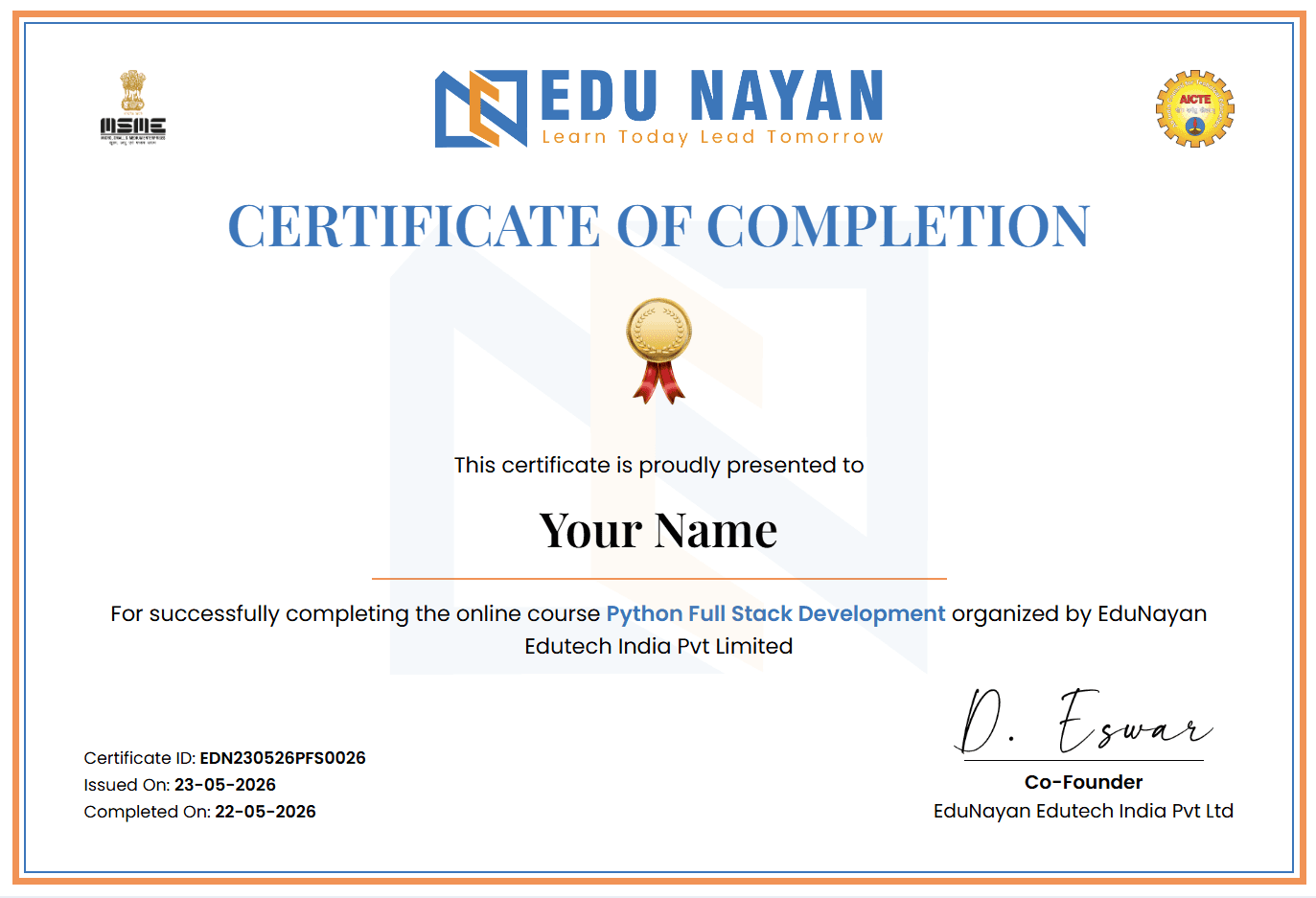
Your Certificate
Earn an industry-recognized certificate upon completion
Official certificate for Power BI & Excel Analytics
A shareable completion certificate is issued when you finish the course requirements successfully. Use it on LinkedIn, portfolios, and job applications.
Student Reviews
“The Power BI & Excel Analytics course at EduNayan was a turning point for me. The practical curriculum and mock interview support gave me the tools to build actual solutions.”
“Hands-on labs and direct mentorship in the Power BI & Excel Analytics program were incredibly helpful. It is fully aligned with modern industry trends.”
Frequently Asked Questions
Quick answers about the course
What will I learn in the Power BI & Excel Analytics course?
In this program, you will gain hands-on expertise in Power BI & Excel Analytics, covering core theoretical foundations, tool setups, practical exercises, and portfolio-grade capstone projects.
Do I need prior experience to enroll?
No, this course is structured to guide you from basic concepts up to advanced implementations. Having a fundamental understanding of logical thinking is helpful.
Will I receive a certificate?
Yes, on successfully completing the course requirements and capstone projects, you will receive an industry-recognized completion certificate from EduNayan.
What kind of support is available during the course?
You will have access to expert mentors for doubt clearing, step-by-step lab guidance, and dedicated support channels for troubleshooting project errors.