
GIS & Geospatial Mapping Applications
GIS & Geospatial Mapping Applications by EduNayan is a comprehensive Simulation, GIS & Specialized Tools program designed to take you from foundational concepts to advanced practical implementation. Through hands-on projects, real-world case studies, and structured guidance, you will master the key tools and methodologies required to succeed in this industry.
Certificate Included
Industry recognized completion certificate
Beginner
Structured learning path with guided delivery
Online
Flexible learning modes for working learners
3 Capstone Projects
Portfolio-ready hands-on builds
Expert Mentors
Instruction from working professionals
Placement Support
Career help for interviews and roles
About the Course
GIS & Geospatial Mapping Applications by EduNayan is a comprehensive Simulation, GIS & Specialized Tools program designed to take you from foundational concepts to advanced practical implementation. Through hands-on projects, real-world case studies, and structured guidance, you will master the key tools and methodologies required to succeed in this industry.
Course Curriculum
Module 1: GIS Foundations Coordinate systems4 topics
- What is GIS? Spatial data concept maps
- Coordinate Reference Systems (CRS) EPSG codes
- Vector data formats (Shapefiles, GeoJSON)
- Raster data formats (GeoTIFF grid models)
Module 2: QGIS Desktop Installations Workspace4 topics
- QGIS interface layers browser properties
- Adding vector/raster layers maps styles
- Styling datasets layers maps layout styling
- Attribute tables querying filtering datasets
Module 3: Spatial Data Editing Digitization4 topics
- Creating new shapefiles data structures layers
- Digitizing points lines polygons attributes maps
- Georeferencing scanned map images control points
- Topology editing rules alignments checking
Module 4: Vector Spatial Analysis tools4 topics
- Buffer analysis zones proximities maps
- Overlay analysis intersect union clips tools
- Spatial joins attribute tables mapping
- Heatmap calculations point densities maps
Module 5: Raster Spatial Analysis models4 topics
- Digital Elevation Model (DEM) data sources
- Slope aspect hillshade generation scripts
- Raster Calculator equations calculations spatial
- Zonal statistics calculations regions
Module 6: Cartography Print layouts publishing4 topics
- Map composition layout rules colors texts
- Creating print layouts scalebars legends titles
- Exporting high res map PDFs images layout
- Web maps QGIS2Web layouts setups
Hands-On Projects
Build 4 production-grade projects for your portfolio
Urban Land Use Classification Map
Develop, train, and test an advanced classification model using QGIS to categorize data or images with high precision.
Geospatial Proximity & Route Analysis Model
Implement a practical project around Geospatial Proximity & Route Analysis Model in GIS & Geospatial Mapping Applications using QGIS and ArcGIS to build portfolio-ready solutions.
Digital Elevation Model (DEM) Visualization
Create an interactive analytics interface utilizing QGIS to aggregate datasets and display critical performance indicators (KPIs) dynamically.
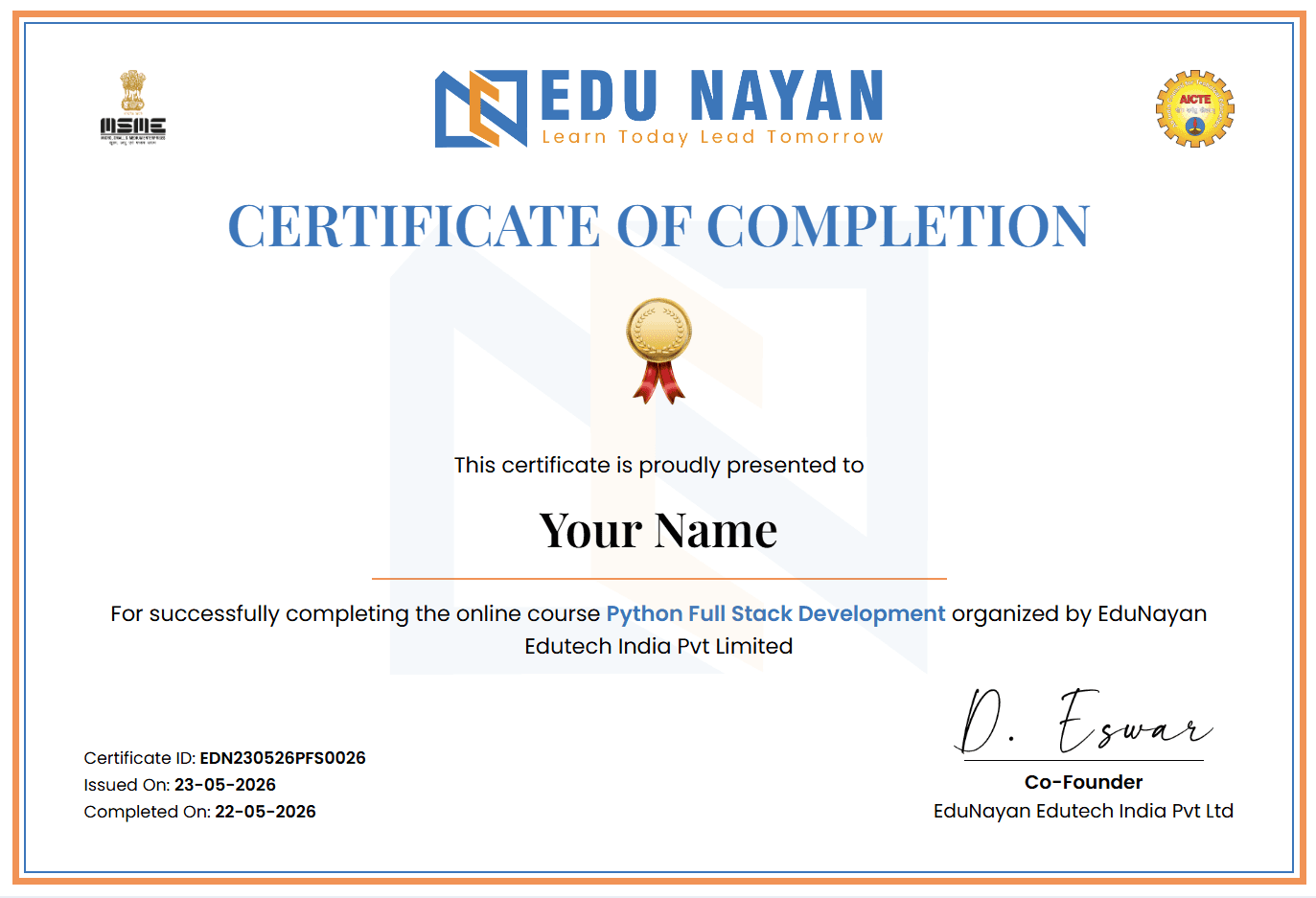
Your Certificate
Earn an industry-recognized certificate upon completion
Official certificate for GIS & Geospatial Mapping Applications
A shareable completion certificate is issued when you finish the course requirements successfully. Use it on LinkedIn, portfolios, and job applications.
Student Reviews
“The GIS & Geospatial Mapping Applications course at EduNayan was a turning point for me. The practical curriculum and mock interview support gave me the tools to build actual solutions.”
“Hands-on labs and direct mentorship in the GIS & Geospatial Mapping Applications program were incredibly helpful. It is fully aligned with modern industry trends.”
Frequently Asked Questions
Quick answers about the course
What will I learn in the GIS & Geospatial Mapping Applications course?
In this program, you will gain hands-on expertise in GIS & Geospatial Mapping Applications, covering core theoretical foundations, tool setups, practical exercises, and portfolio-grade capstone projects.
Do I need prior experience to enroll?
No, this course is structured to guide you from basic concepts up to advanced implementations. Having a fundamental understanding of logical thinking is helpful.
Will I receive a certificate?
Yes, on successfully completing the course requirements and capstone projects, you will receive an industry-recognized completion certificate from EduNayan.
What kind of support is available during the course?
You will have access to expert mentors for doubt clearing, step-by-step lab guidance, and dedicated support channels for troubleshooting project errors.